Node Execution Guide
Windows (UI mode)
Download
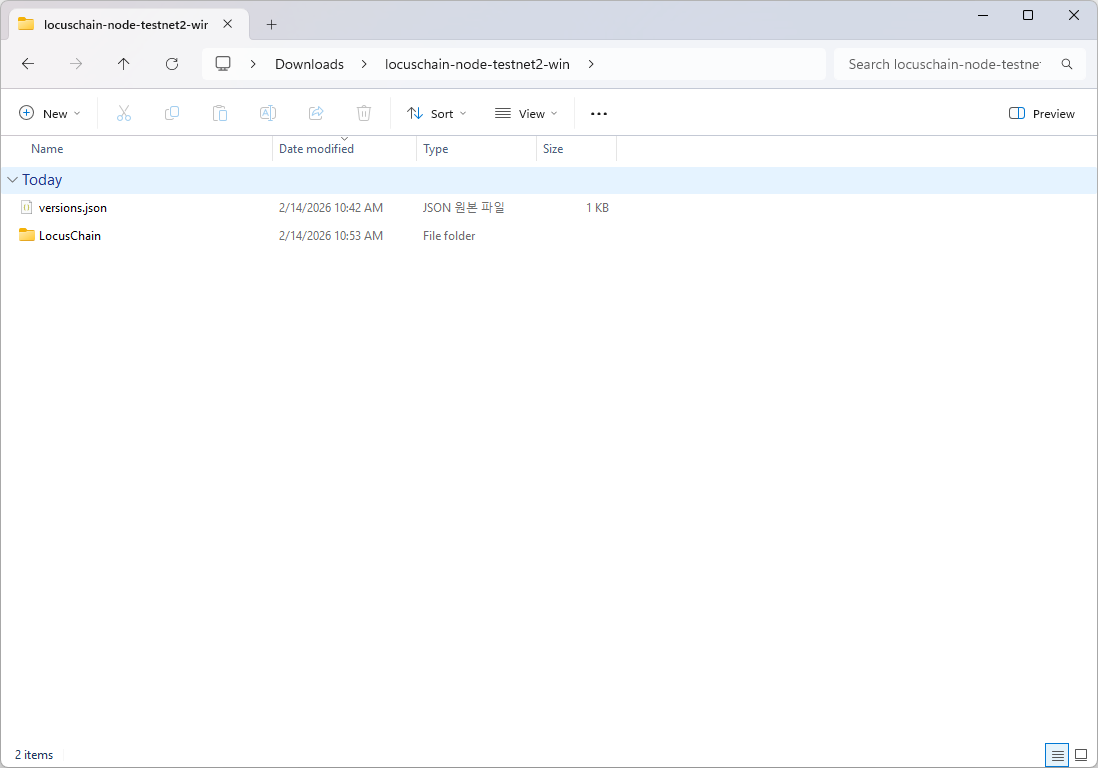
Download Unpack the downloaded file.
Run
Run the LocusChain.exe file from the folder.
The following notification will appear for the first time. Click on More Info and then click the "Run" button.
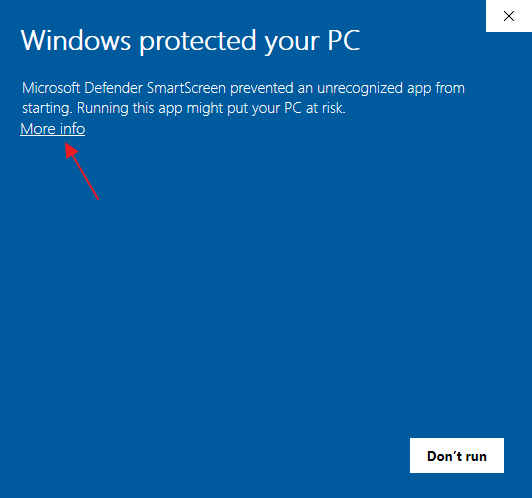
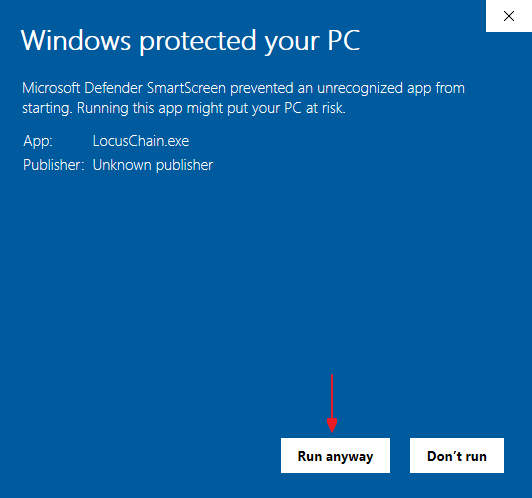
If a firewall notification appears, click the 'Run anyway' button.
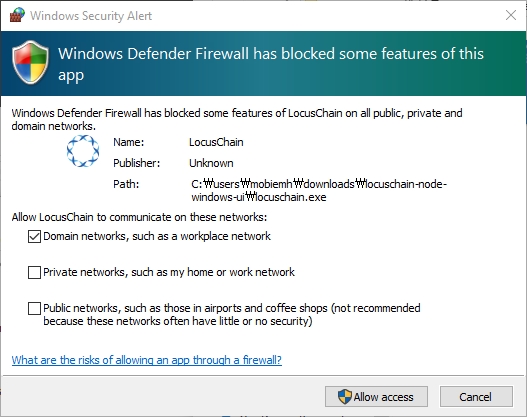
Enter Password
A new account is created, which will be used as the host account for the node.
Enter the password for the host account and click the OK button.

Check Status
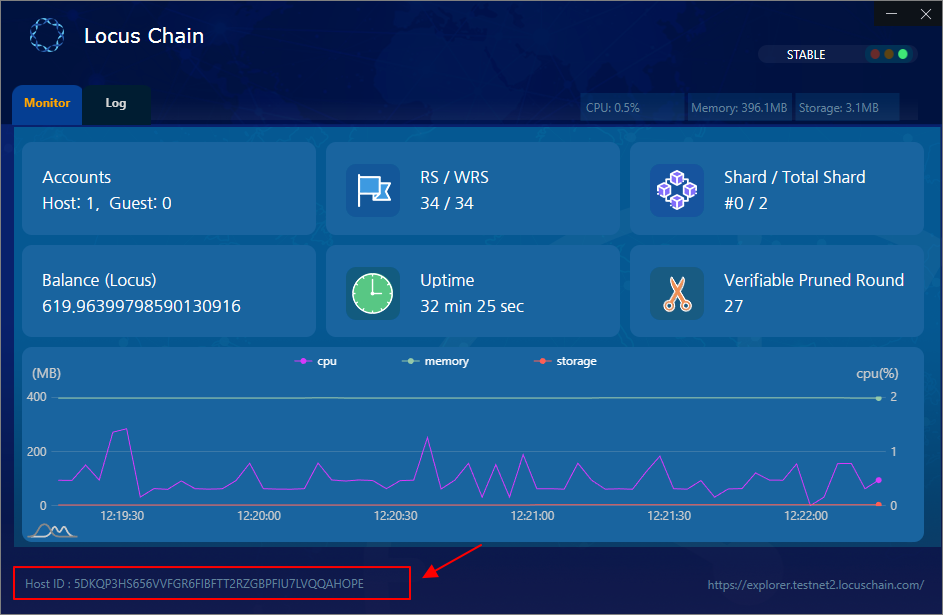
You can confirm that the node is running properly.
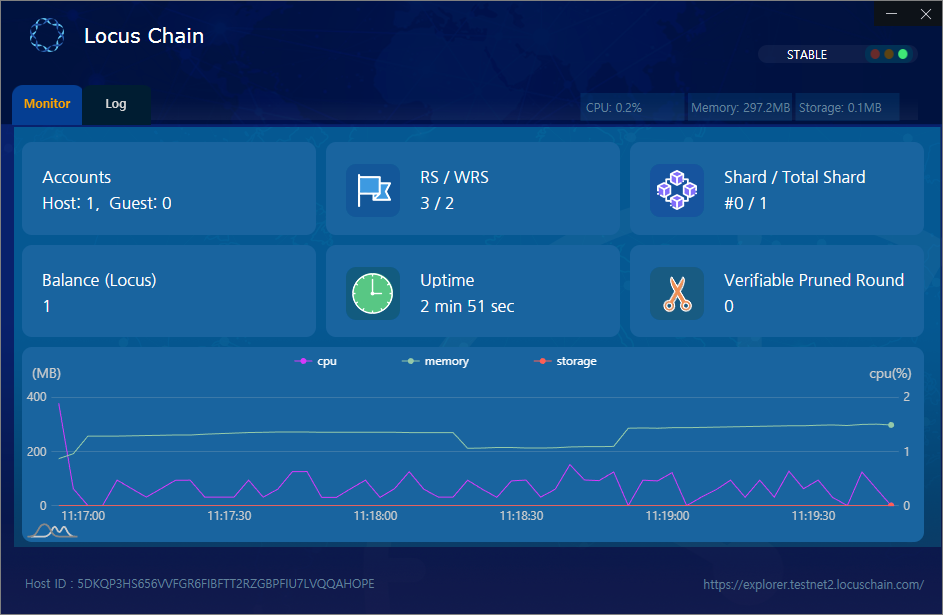
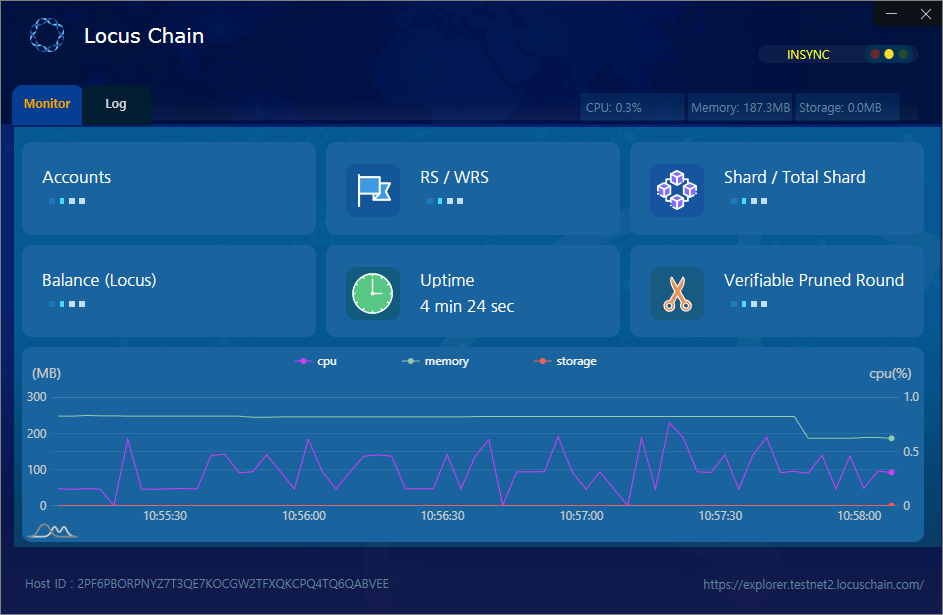
If the node is still preparing, it will show the status like the image below. It may take a few minutes.
Using Node Account in Wallet
Install Wallet
Since the wallet needs to connect to the node, please proceed while the node is running.
If the wallet is not installed, please refer to the Wallet Installation Page to proceed with the installation.
Run the wallet and proceed with creating a new wallet.

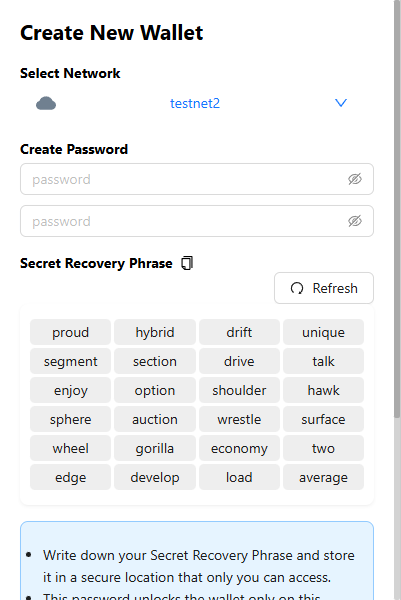
Click the mnemonic to save it in a safe place for recovery.
Select Network
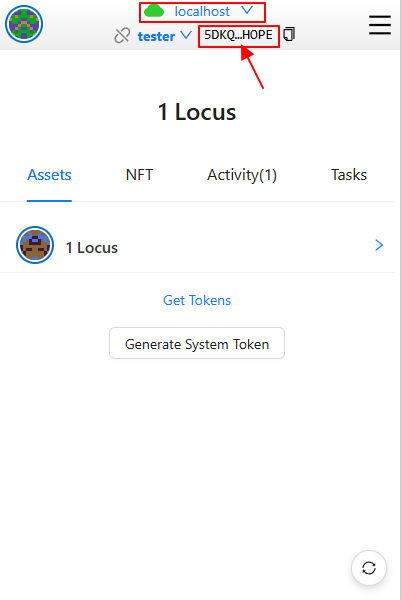
Select localhost as the network at the top of the wallet.
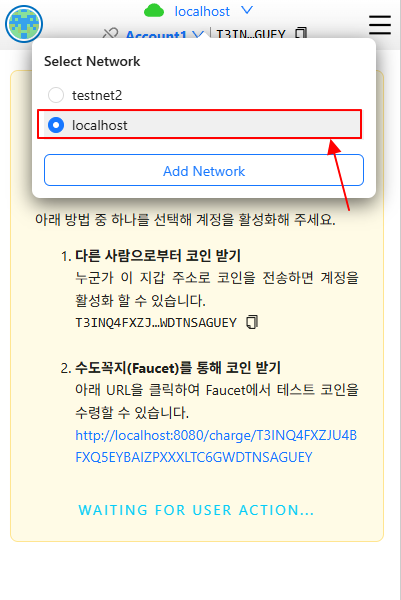
Import Keystore
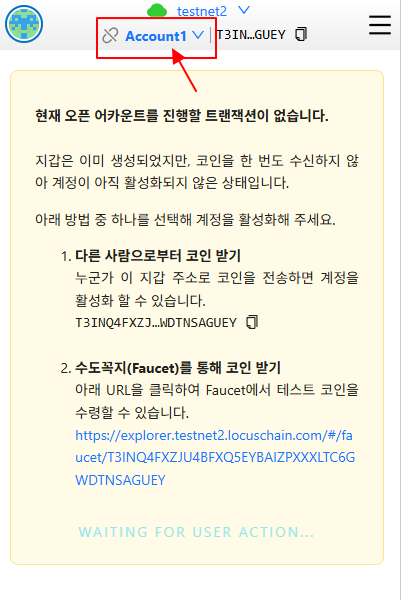
Select Key File
Select the account name at the top of the wallet and click the Add Account button.
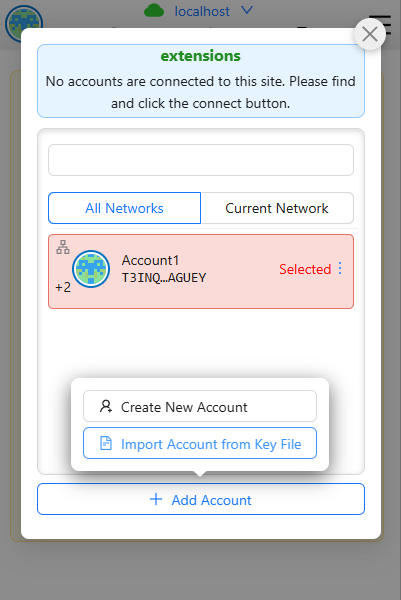
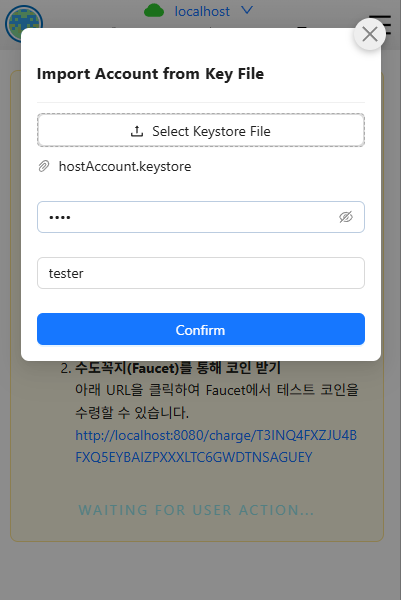
Click the Import Account from Key File button in the popup.
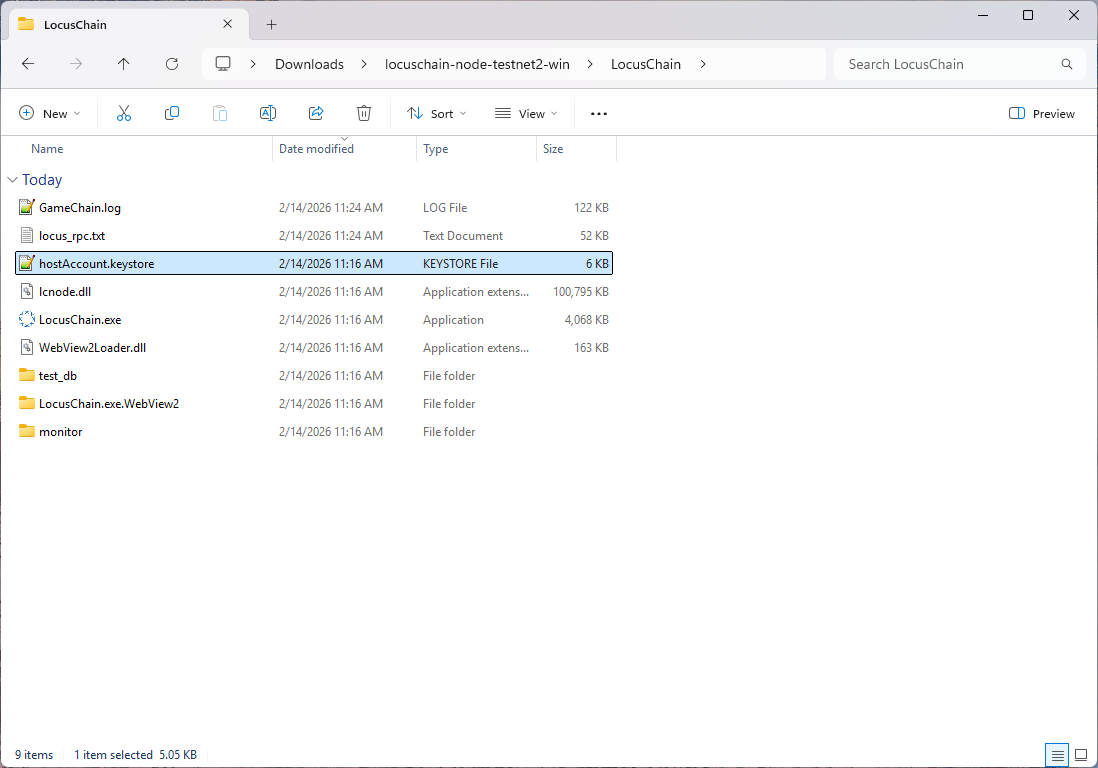
Find and select hostAccount.keystore in the folder where you ran LocusChain.exe.
Unzipping the node zip file results in the following structure. Find hostAccount.keystore.
#Reference Location
Check Node Account
Check what is displayed on the node.
Check if the selected network is localhost and the account name imported into the wallet matches the HostID at the bottom of the node.